Promotion for tastytrade Customers
Get Option Alpha Pro for FREE
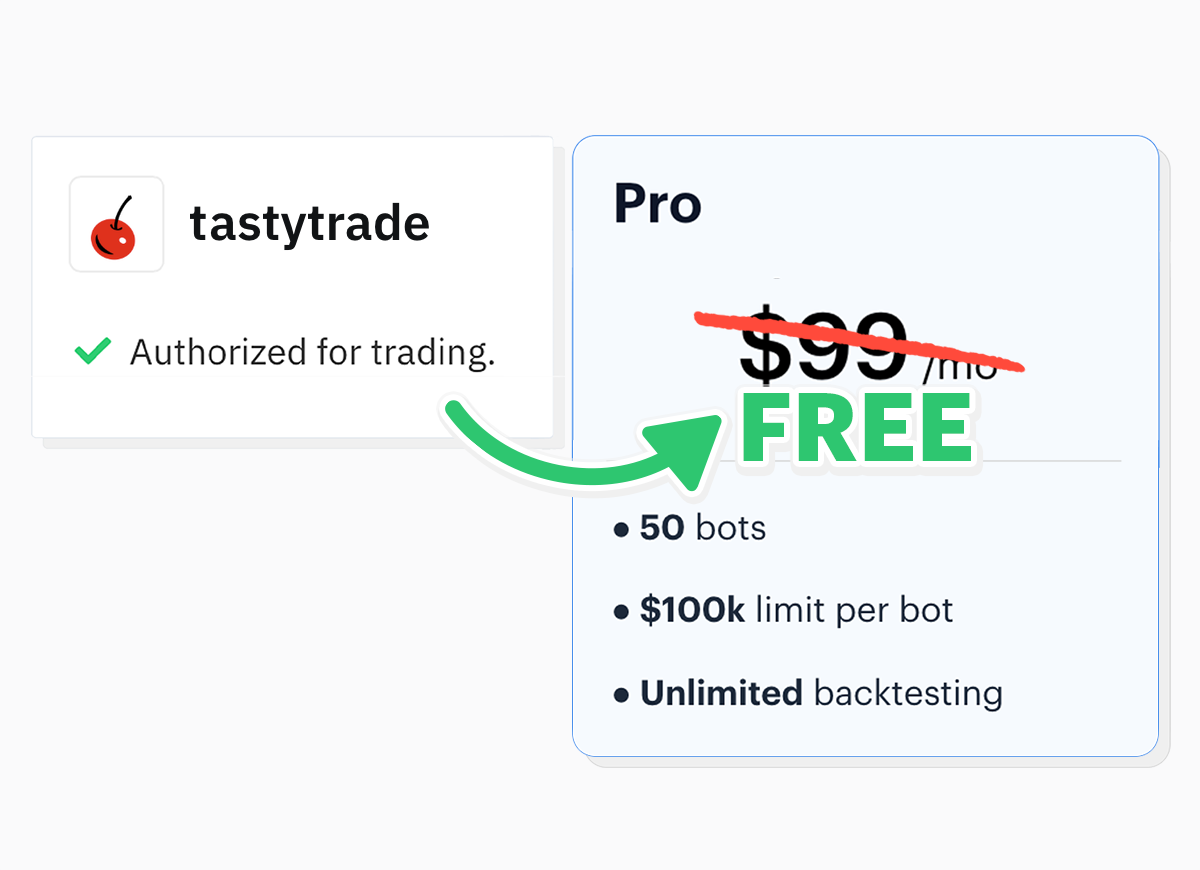
Option Alpha Pro is free when you connect your tastytrade account with a $5,000 balance or more. Get 50 bots and unlimited backtesting!
1. Create an account or log in
Log in to an existing Option Alpha account or create a new account.

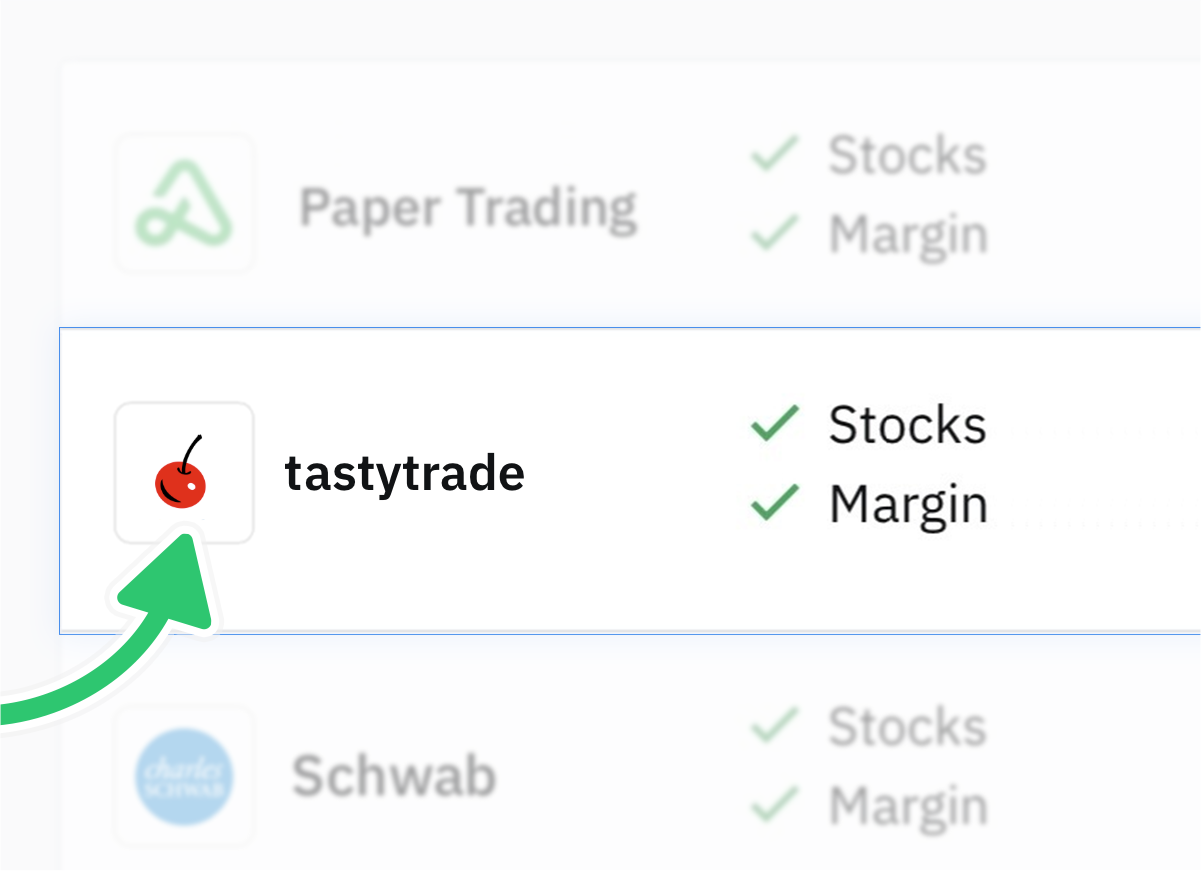
2. Authorize access
Go to Settings > Trading Accounts in the OA app. Under 'Add Account' select tastytrade or sign up for a tastytrade account here.
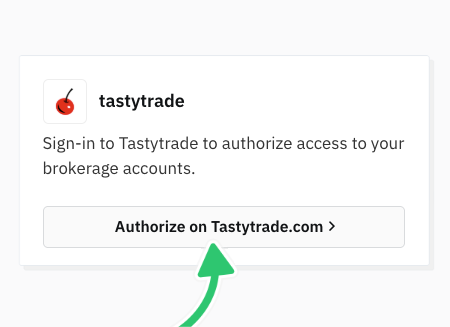
3. Complete the steps on tastytrade.com to authorize access
Follow the steps on tastytrade.com to connect an account with at least $5k minimum balance to OA.
* Pending deposits must be cleared to qualify
4. Switch your plan to the tastytrade promo
Once you connect your qualified tastytrade account, go to Settings > Subscription Plan in Option Alpha and click the "Switch to tastytrade" button.
Standard trading commissions and fees still apply.
tastytrade, Inc. (“tastytrade”) and Option Alpha, LLC (“Option Alpha”) are separate and unaffiliated companies that are not responsible for each other's services, policies, and products. tastytrade does not review, endorse, or guarantee the performance, accuracy, or suitability of any trading strategies, algorithms, or automated trading tools (including AI-based trading bots) offered by Option Alpha. Use of such tools is at the customer's own risk, and tastytrade is not responsible or liable for any trades executed, or losses incurred, through Option Alpha's software or services. Nothing in Option Alpha's services and products should be construed as investment advice or a recommendation by tastytrade.
tastytrade, Inc. (“tastytrade”) and Option Alpha, LLC (“Option Alpha”) are separate and unaffiliated companies that are not responsible for each other's services, policies, and products. tastytrade does not review, endorse, or guarantee the performance, accuracy, or suitability of any trading strategies, algorithms, or automated trading tools (including AI-based trading bots) offered by Option Alpha. Use of such tools is at the customer's own risk, and tastytrade is not responsible or liable for any trades executed, or losses incurred, through Option Alpha's software or services. Nothing in Option Alpha's services and products should be construed as investment advice or a recommendation by tastytrade.